
Cool mode: the setting most people use, and use wrong
Cool mode is the one for hot days, afternoon sun and rooms that feel stuffy after a full commute home. In this mode the aircon removes heat from the room and sends cooler air back inside. On a Johannesburg North afternoon, especially in a west facing room, this is usually the setting you want when the temperature climbs past 28 C.
The common mistake is turning the set temperature too low. If you set 16 C because the room feels warm, the unit does not cool faster for long. It just keeps running harder than needed. A better starting point is 22 C to 24 C for most homes and small offices. That gives a steady room temperature without making the unit fight all day.
- Use cool mode when the room is warm but not humid enough to feel damp.
- Set the fan on auto first, then adjust if the airflow feels too strong.
- Close windows and doors, otherwise the unit keeps cooling fresh hot air coming in.
- If the unit blows warm air in cool mode, check the remote setting before calling for service.
Heat mode: useful for winter mornings and north facing rooms
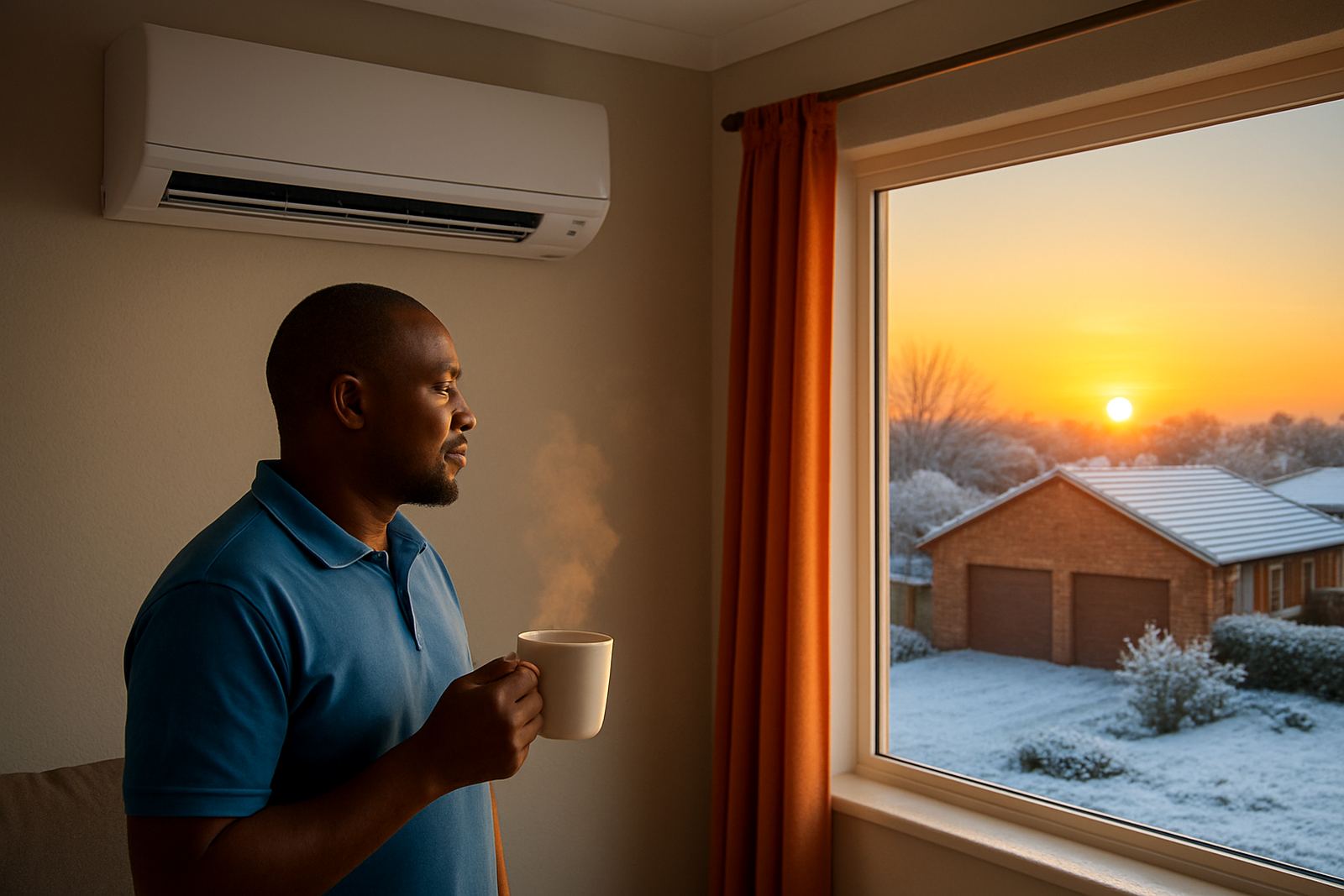
Heat mode works the other way round. It moves heat into the room instead of taking it out. This is handy in Gauteng winters when mornings are cold but you do not want to switch on a panel heater in every room. Many split units sold for local homes and offices can heat well enough for a bedroom, meeting room or small reception area.
Give the unit a few minutes. Heat mode often starts slower than cool mode, and the indoor fan may pause while the system gets going. That is normal. If you are in Randburg or Midrand and the room feels cold after sunrise, heat mode is a practical way to take the edge off without overheating the space.
- Use heat mode for cold mornings, early starts and rooms with tiled floors.
- Keep doors shut so the warm air stays where you need it.
- Do not expect instant heat, it usually takes a short while to build up.
- Check that the outdoor unit has clear airflow and is not blocked by dust or leaves.
Dry mode for sticky summer air, especially near the coast or after rain
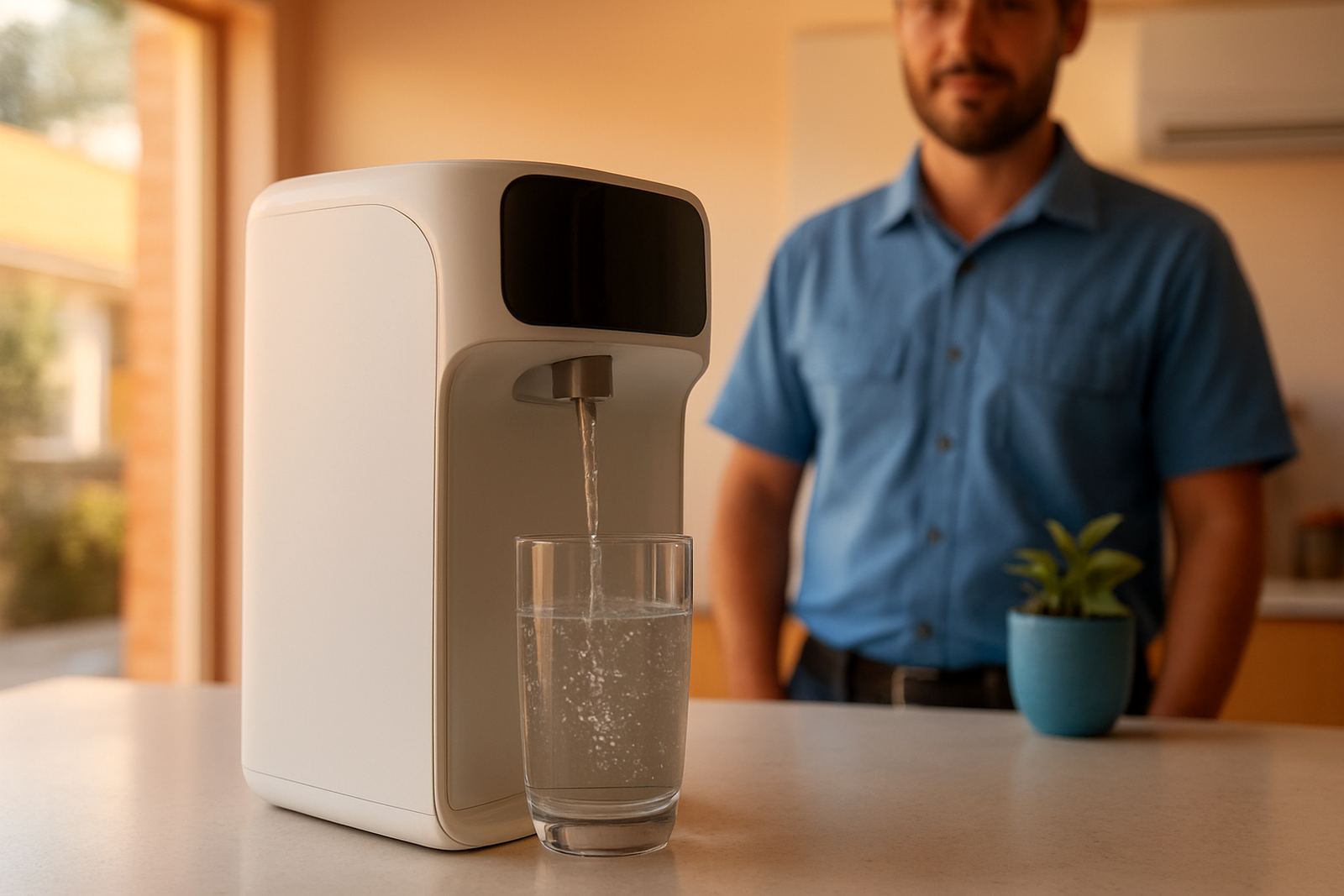
Dry mode is not the same as cool mode. It removes moisture from the air, which helps when a room feels damp, heavy or sticky. In Johannesburg you may not get coastal humidity every day, but you can still feel it after summer storms, in closed offices with many people, or in homes where washing is drying indoors.
Dry mode can make a room feel more comfortable without overcooling it. That is useful at night or in smaller rooms where people complain that the aircon feels too cold after an hour. It is also a better choice when you want to reduce that clammy feeling but do not want the unit running at full blast. Small typo here sometimes people call it the
Fan mode: air movement without active cooling or heating
Fan mode moves air around the room but does not actively cool or heat it. It is useful when the weather is mild and you only want circulation. In an office in Sandton, for example, fan mode can help if the room is a bit warm from computers and people, but not hot enough to justify full cooling.
It can also help after switching the unit off. The fan keeps air moving so the room does not feel stagnant. Just remember that fan mode will not lower the temperature. If the room is already hot, you will mostly be moving warm air around.
- Use fan mode on mild days or for air circulation only.
- It can help distribute cooled air more evenly across a room.
- Good for reducing the stale feeling in closed offices.
- Not a substitute for cool or heat when the weather changes sharply.
Auto mode: the setting that works best when the day keeps changing
Auto mode lets the aircon decide whether it should cool, heat or just run the fan. Many people ignore it, but for a home or office where the temperature swings through the day, auto can be the easiest option. A morning start in Fourways may need heat, then by afternoon the same room may need cool. Auto handles that shift better than a fixed manual setting.
That said, auto mode is not magic. If your temperature setting is too low, the unit may still run more than you expect. If it is too high, the room may never feel right. Use auto when you want steady comfort and are not keen to keep adjusting the remote every hour.
It is especially handy in spaces with mixed use, such as a small boardroom, clinic waiting room or home office that fills with people later in the day. During load-shedding recovery, auto can also help the unit settle back into a stable pattern once power returns, provided the installation is sound and the filters are clean.
A simple remote routine that saves time and avoids callouts
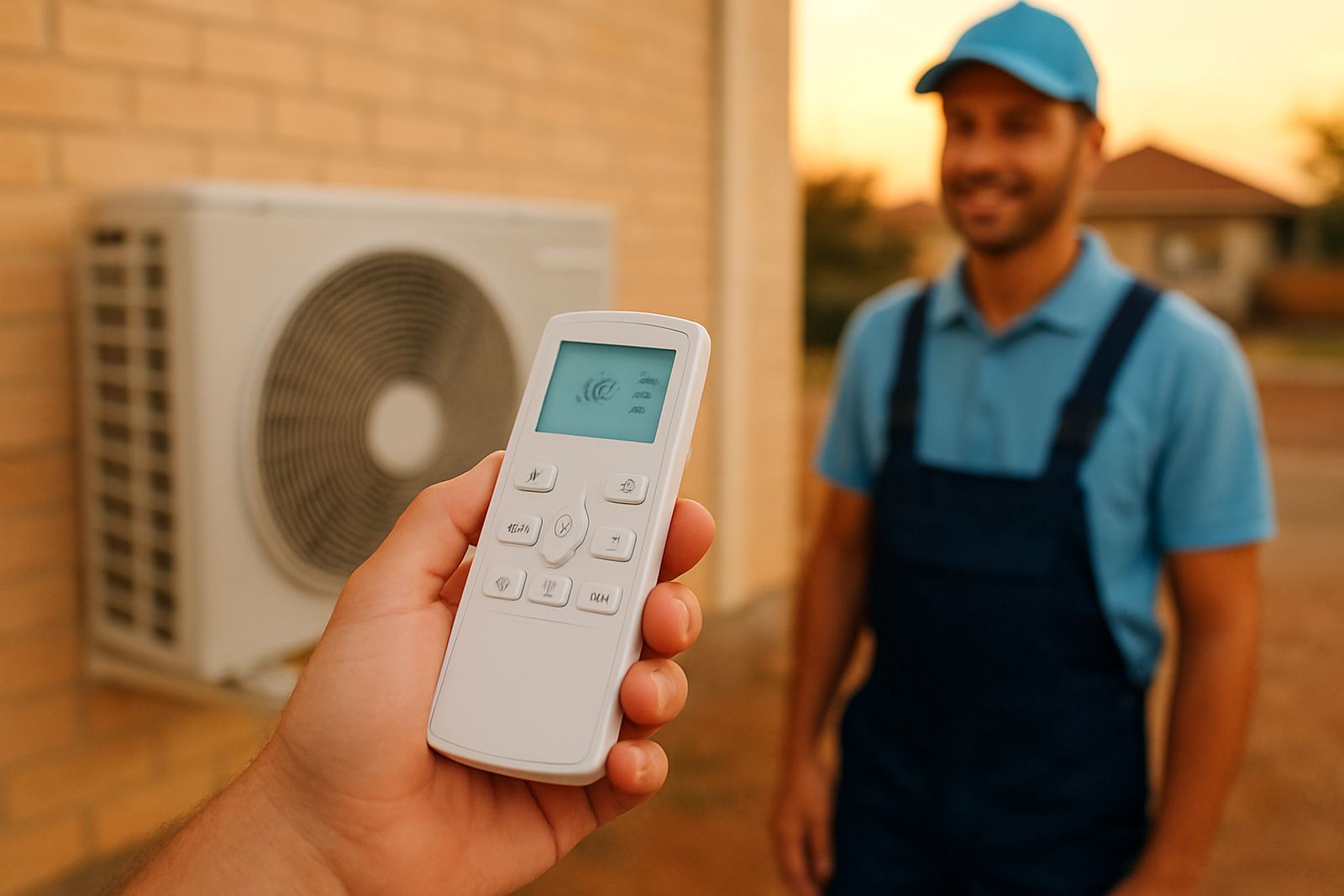
If your remote has more symbols than words, start with the basics. Match the mode to the weather, keep the temperature realistic and check airflow before assuming the unit has a fault. A lot of service calls in Gauteng turn out to be a wrong setting, blocked filter, or an outdoor unit that cannot breathe properly. Not every problem is serious, but many are easy to sort once you know what the remote is doing.
For homes in Johannesburg North and offices in Midrand or the East Rand, this is the practical rule: cool for heat, heat for cold, dry for damp, fan for circulation and auto for days that change from one hour to the next. If the room still does not behave after you have chosen the right mode, the issue may be refrigerant, drainage, filters or the installation itself.
- Keep the remote batteries fresh, weak batteries cause confusing settings.
- Clean filters every few weeks in dusty months.
- Do not block the indoor or outdoor unit with curtains, boxes or storage.
- Ask for help if the unit trips, leaks water, or never reaches the set temperature.